
Configuring Sharing Scenarios in StorageLink
Purpose: Let several StorageLink users work with the same files through a shared home directory or a shared mapped folder
Option 1 — Shared Home Directory: Set each user's Home Directory to the same path, such as /Shared or /Shared/Uploads
Option 2 — Personal + Shared Folders:
- Create each user with the default home folder (
/users/<username>) - On the Folders tab, add a folder under that home directory mapped to the shared cloud storage location
- Repeat for each user, and they all see the same content in that folder
Use Case: Option 2 keeps each user's own folders isolated while adding a common folder for collaboration
Product: StorageLink by Thorn Technologies — cloud storage gateway for secure file sharing
There are a couple different ways you can configure a group folder/sharing scenario.
The first would involve setting the users' home directory to a shared folder, where each users' home directory in this "group" would point towards the same shared directory.
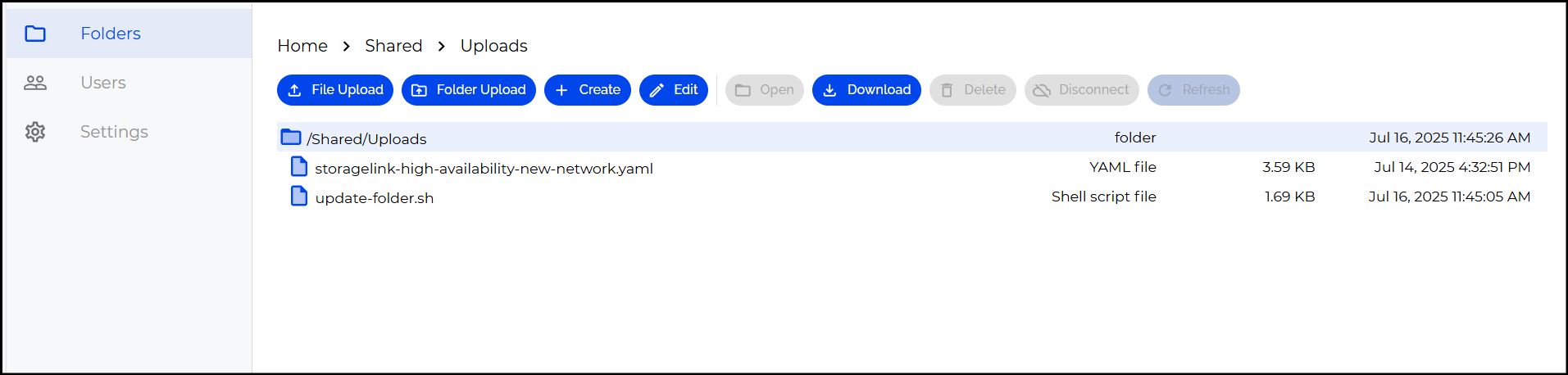
As an Admin, you have access to the entire folder structure, and can traverse each directory. In my screenshot I am located in the /Shared/Uploads directory, which you will see below the upload buttons.
If I want each of my users to connect to this Shared folder, I would specify their Home Directory as /Shared, like this:
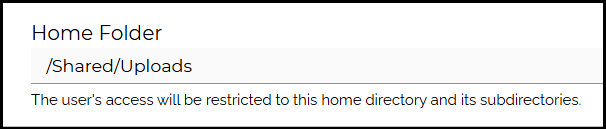
If you want them to connect to a folder inside the Shared directory, you can specify it afterwards, such as for connecting to the Uploads directory:

However, this can be an issue if you want users to have their own isolated Uploads & Downloads directories, as well as having a shared folder.
In that scenario, we would use a bit of a different configuration.
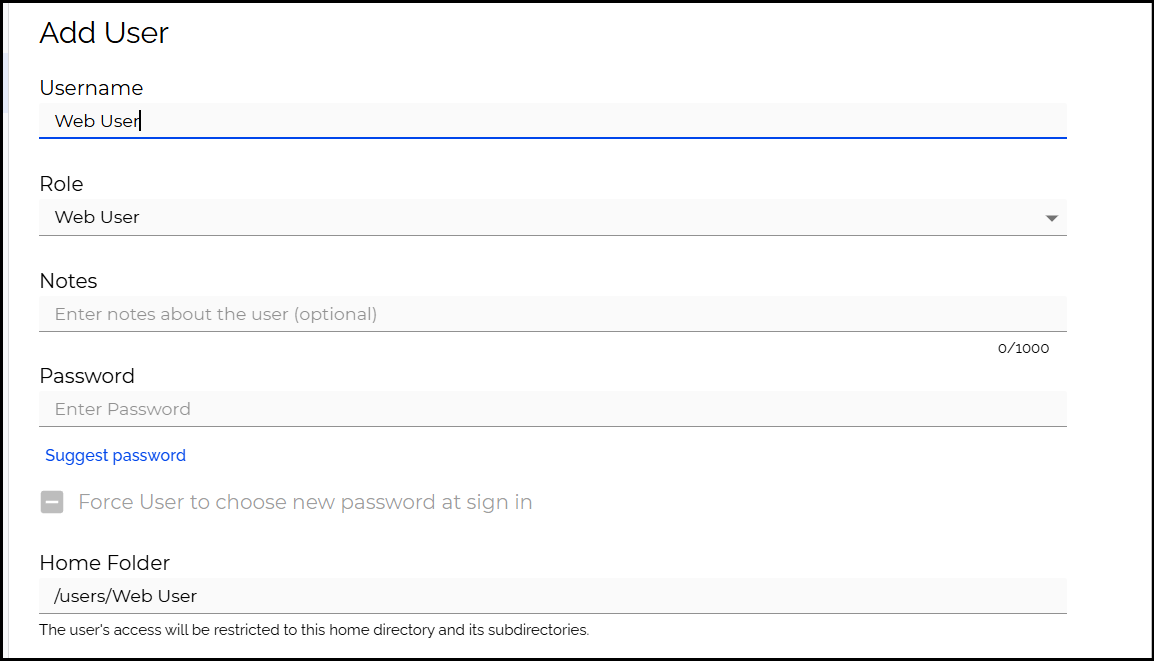
First, we'd create our user with the default Home Folder structure, where my Home directory would match the username, in this case being /users/Web User.
I would then navigate to the /users/Web User directory on the Folders tab
To create a shared mapping, we can choose to map our new folder to a specific cloud storage location. This folder will point to a shared directory in S3.
You would then repeat this step (Creating a Shared folder under their Home Directory which points to the same S3 location) for each user who you want to have their own specific directory, but also a Shared folder.
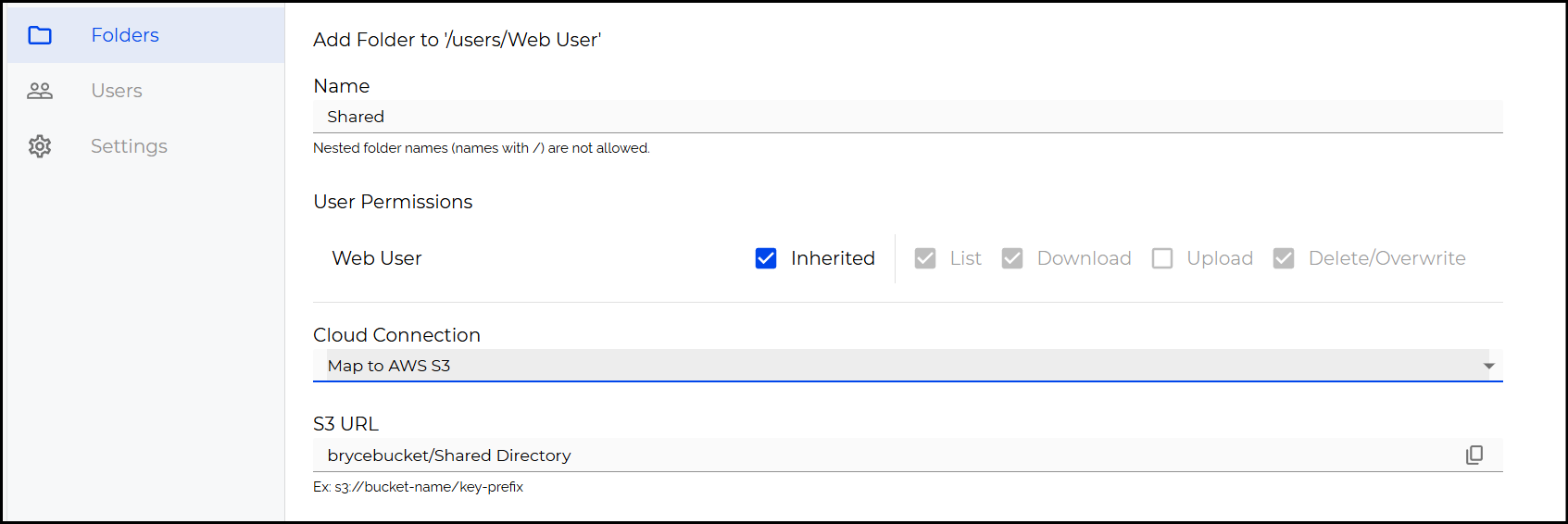
Now, when the Web User connects, they will have a Shared folder which points directly to the shared storage location you specify.
